
Hand-sketching wireframes plays a crucial role in the design thinking process because it supports rapid ideation, better communication, and low-investment experimentation. Here's why it's so important:
* Sketching is quick and low-effort, so you're not precious about your ideas.
* It encourages quantity over quality early on — helping surface unexpected solutions before you narrow in.
* You bypass digital tool limitations and focus on ideas, not grappling with software
* A rough sketch is often more effective than a thousand words when talking with stakeholders, developers, or teammates.
* Everyone can contribute - no software expertise needed. It invites feedback and alignment early.
* It’s far cheaper to throw away a bad idea at the sketch stage than after hours spent in Figma or code.
* You can explore multiple flows or layouts before committing to a direction — helping avoid tunnel vision.
Design thinking is about:
1. Empathising
2. Defining
3. Ideating
4. Prototyping
5. Testing
Sketching shines in Ideation and Prototyping - helping you test concepts quickly, fail fast, and improve before investing heavily.
* It turns fuzzy thoughts into something tangible.
* It helps *you* clarify your own thinking - especially in the early stages when nothing’s fully formed.
* Recruiters and managers like to see your process right from the start
* They also want to see that you have this sketching skill and can work fast with ideas
In summary, sketching wireframes is like scribbling on a napkin before writing a novel** - it's messy, fast, and essential to find the core of your idea before you polish it.
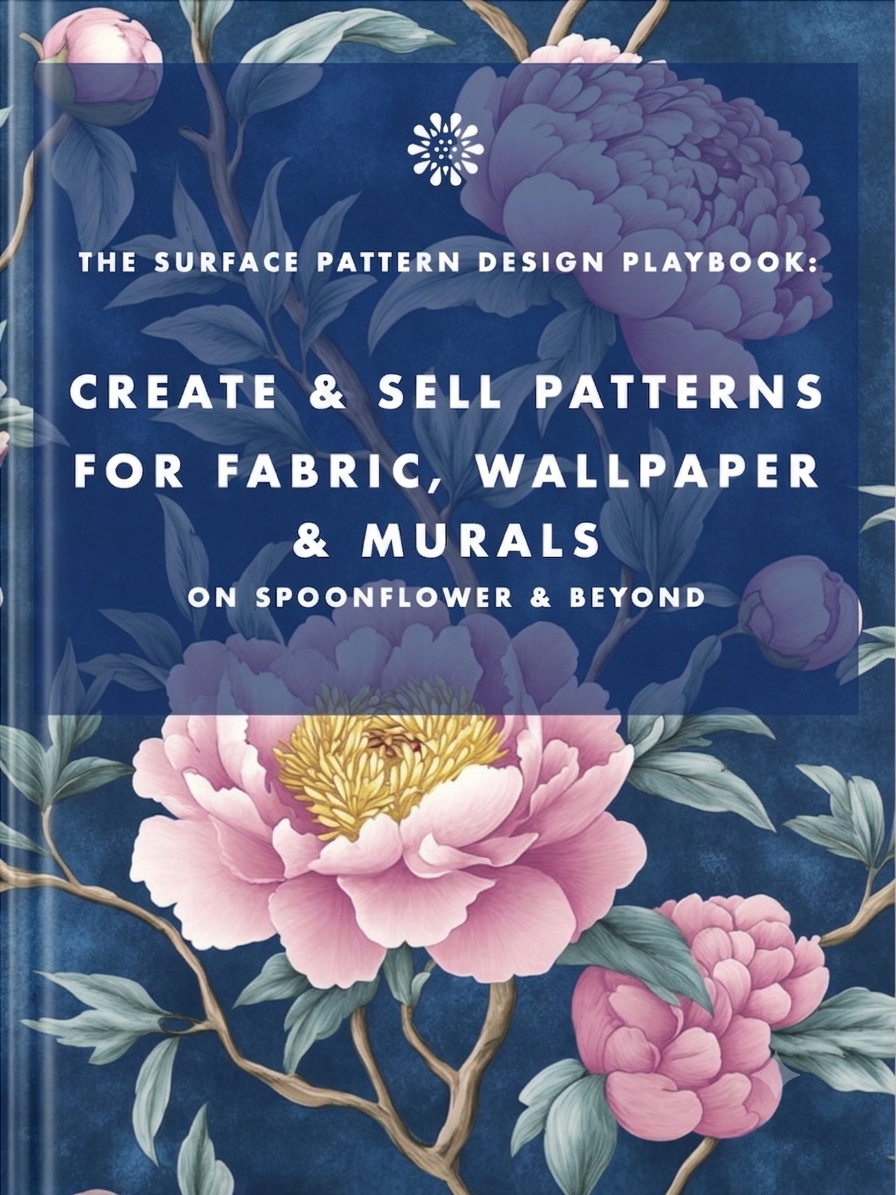
Earn from your design skills
Create & sell patterns for fabric, wallpaper & murals — on Spoonflower & beyond. Client-free, commute-free, creative work you can do from anywhere.
See the book →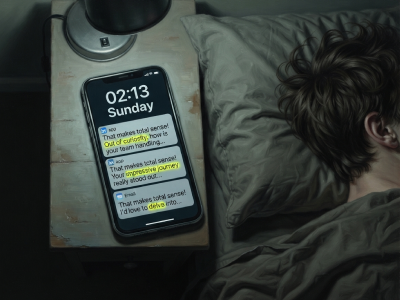
"That makes total sense! Out of curiosity…" are typical sentence snippets in your messages if you're talking to a bot.

A real look at how I use Claude Code, Claude Cowork, Figma and more to design, build and market TickLists, my websites and my Spoonflower patterns, solo.

Job seekers who keep running the old employment playbook are playing a game whose rules have already changed. Here's what's happening in the design job market, and why leverage, not talent, is what separates who's finding traction.
Keep your design skills up to date with videos,
AI workflows, tutorials, ways to earn $$$ and free resources.
See past email newsletters.
Unsubscribe anytime.