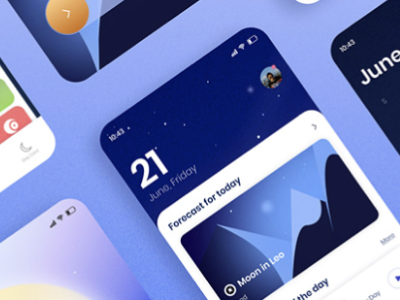
TickLists is the shopping list and routines app I designed and built entirely on my own, and it's the clearest example of my AI-native workflow.
I didn't start in a design tool at all. I started by writing close to a hundred slides covering everything, MVP features, later features, legal considerations, potential tech stacks, costs, how I'd market it, user plans, every app screen to be delivered, and every other decision I could think of, so I had a genuinely expansive brief before I touched a single screen. When I'm working for a client, the first stages always have to include a robust user research phase before anything gets built. With TickLists I chose to "test in-market" instead, launching and learning from real usage rather than researching upfront, because speed and lower cost mattered more than getting every assumption validated before I started. I fed that brief into Claude Code and started live prototyping straight away, working through features, layouts and flows directly in code rather than in mockups first.
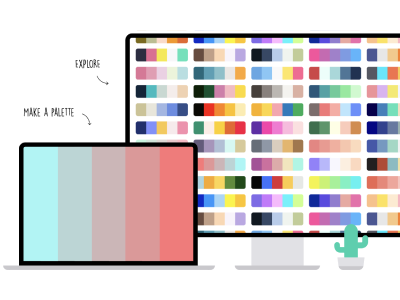
Once the app was a solid draft, I got it live and started using it myself, ironing out issues as a real user rather than a designer, before recruiting beta testers. Once their results were in, I went back and edited the app to finalise the MVP functionality properly. Only then did I open Figma, and I used it to sketch out three different looks or brandings for the app, so I could compare them side by side before choosing the one that worked best. From there I build the actual design system directly in Claude Code as living documentation rather than a static Figma file, applying it straight across the live app. Here's an example of one I built this way, Artfuly's brand guidelines. This creates a design system that AIs like Claude Code can use directly to quickly create new templates and pages, and as the central point of truth, I can update any colour or font style and immediately have it applied, app or site-wide.
The app itself runs on Firebase for the database, hosting and authentication, with Stripe handling payments for the Pro subscription, and everything is version controlled through a private GitHub repository. Before any change reaches real users, I test it on a localhost version on my own Mac first, and only once I'm confident it's solid does it go anywhere near the live app. Native app testing runs through its own separate process, which is a whole other article.
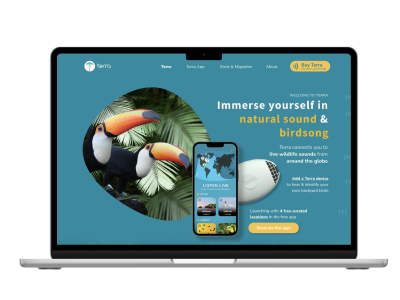
My website work runs on a different but equally fast setup. Both artfuly.com (Design Tutoring) and my design folio at rachaelpage.com are built in Astro, version controlled on GitHub, and hosted on Netlify, and I write and edit both directly with Claude Code rather than through a website builder.
That speed shows up most in how quickly I can publish. I can write, format and get a new article live in Design Resources in under thirty minutes, from a blank page to a published URL, which took much longer when using my prior tech, a CMS in Webflow.
I've also built several AI-focused tools of my own and published them at artfuly.com/tools, free for anyone to use:
I also use a public GitHub repo, GitHub Pages, to host standalone pages that don't need to live on the main site, things like design systems or a landing page targeted at a specific job application, which I can build and get live in minutes. Here's one I built for a job application.
One of my favourite things to do with a student is a full teardown. They bring me a link to a website they genuinely like, and I show them how to use nocodeexport to pull down each page template as clean HTML, section by section. From there we build a proper design system directly in that HTML, update the colours, fonts, layout and sections to match their own taste, and then replace every scrap of the original content with theirs. By the end of a single sixty to ninety minute session, they've got their own design folio live, and just as importantly, they've learned the actual skill well enough to keep going and make more changes on their own afterwards.
My pattern work for Spoonflower starts with a monthly AI-generated trend report I built myself, which I use to research directions online before settling on a concept. From there I write a proper brief and put together a moodboard in Figma, and only once that's set do I move into Adobe Illustrator and Photoshop to build the actual repeat pattern, seamless edges, correct colour profiles and all, because that final craft is done by hand, not generated. I do use AI image tools to explore and generate ideas, but anything AI creates is not currently good enough to upload directly, and many more hours of work are necessary for each pattern and colourway. I also get .ase colour palettes auto-generated for me, which I can upload straight into my Adobe programs to keep colourways accurate and consistent.
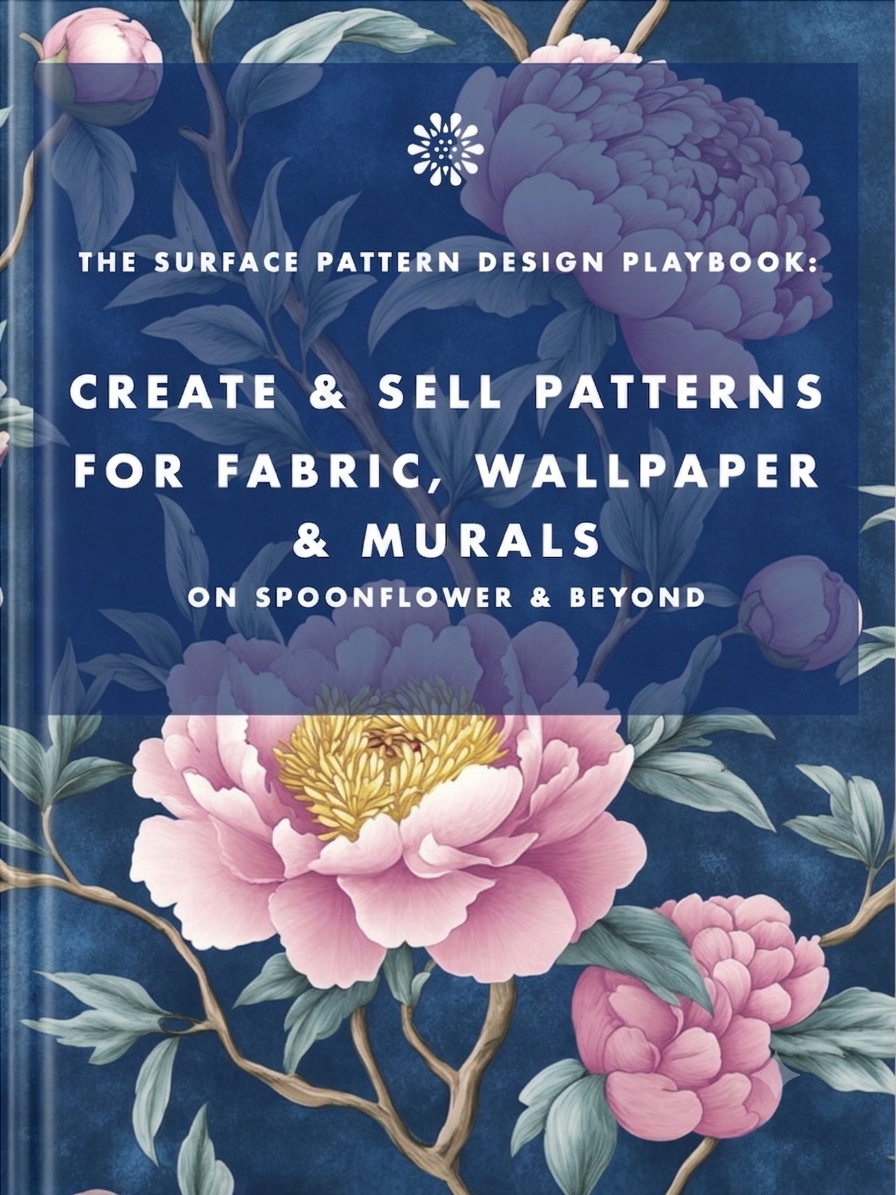
I detail multiple workflow processes, ideation through to a listing that actually sells, in my book on designing for Spoonflower, available on Amazon here.
That same book, and The Joint Pain Secret, get edited with Claude Cowork, though "edited" undersells what it actually does. It doesn't write any of it for me. What it does is work through the manuscript the way a proper human editor would, structuring chapters properly, spotting the gaps I've missed, filling them once I've confirmed what should go there, researching and fact-checking claims, and building out ordered references at the back. It's the closest thing I've found to having an actual editor on call.
This is only a fraction of what I actually use day to day. I've left out plenty of smaller tools that don't warrant their own line, things like Jitter for motion design and various other Adobe apps I dip into depending on the job.
If you want to keep up to date with AI workflows like this one, join my newsletter below, I share what I'm building and testing as I go, not just the finished results.
Earn from your design skills
Create & sell patterns for fabric, wallpaper & murals — on Spoonflower & beyond. Client-free, commute-free, creative work you can do from anywhere.
See the book →
A plain-language guide for marketing teams on which AI images and videos need a label under the EU AI Act, what never to upload under GDPR, and how to stay on the right side of copyright.
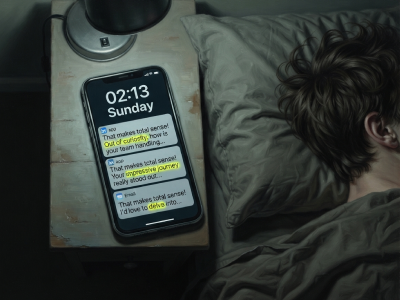
"That makes total sense! Out of curiosity…" are typical sentence snippets in your messages if you're talking to a bot.

Job seekers who keep running the old employment playbook are playing a game whose rules have already changed. Here's what's happening in the design job market, and why leverage, not talent, is what separates who's finding traction.
Keep your design skills up to date with videos,
AI workflows, tutorials, ways to earn $$$ and free resources.
See past email newsletters.
Unsubscribe anytime.