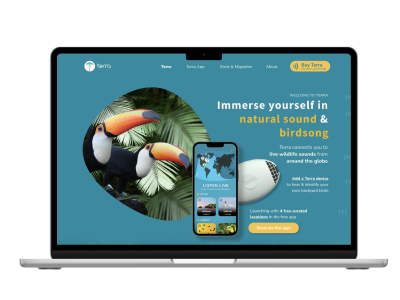

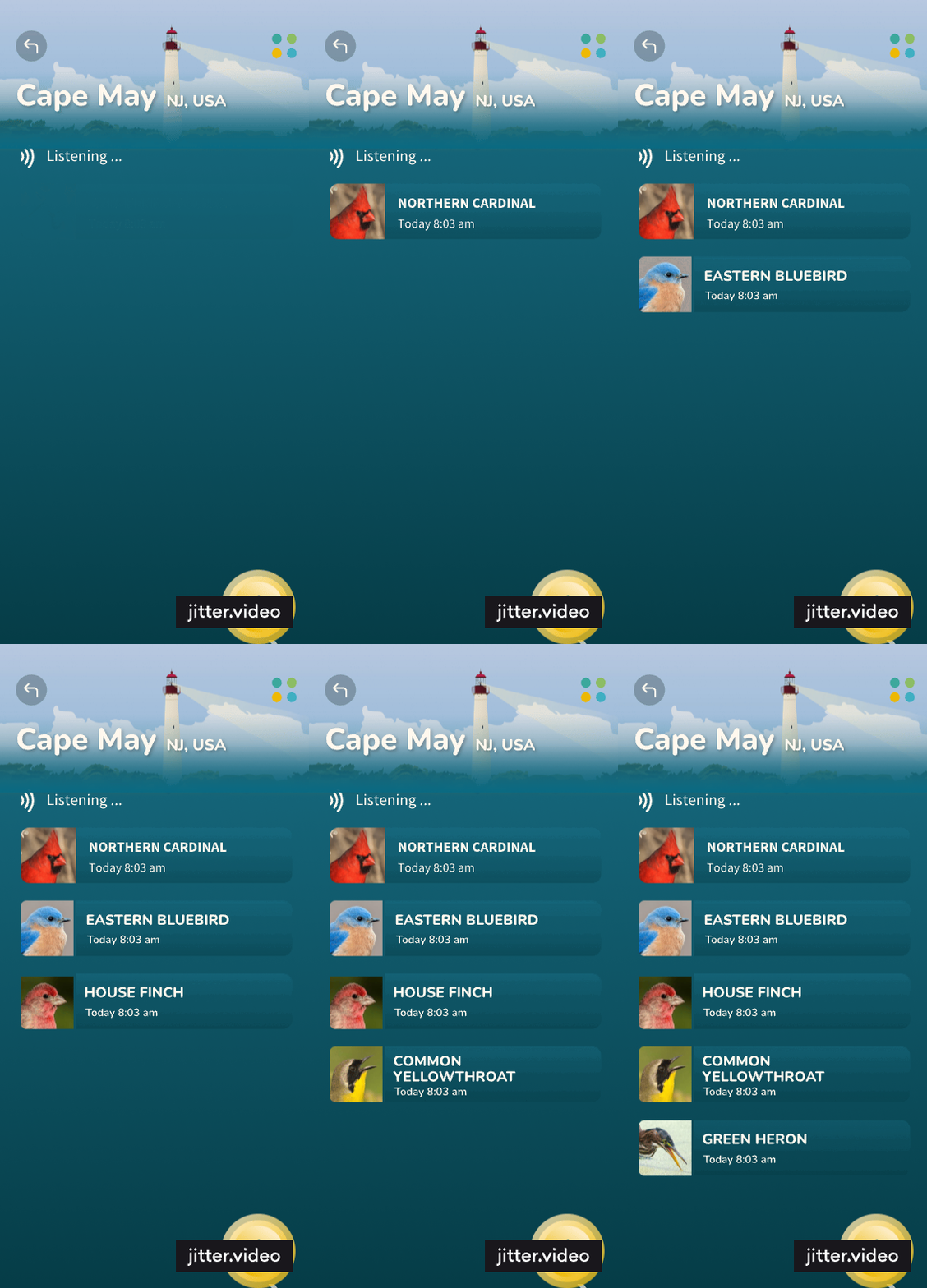
In the image below, you can see how I used the above animation on the homepage for my client TerraListens.com to show how the app displays birds that it has picked up from the garden microphone. The animation is embedded into a png of a mobile phone and works responsively within the page. It was achieved in just a few minutes.
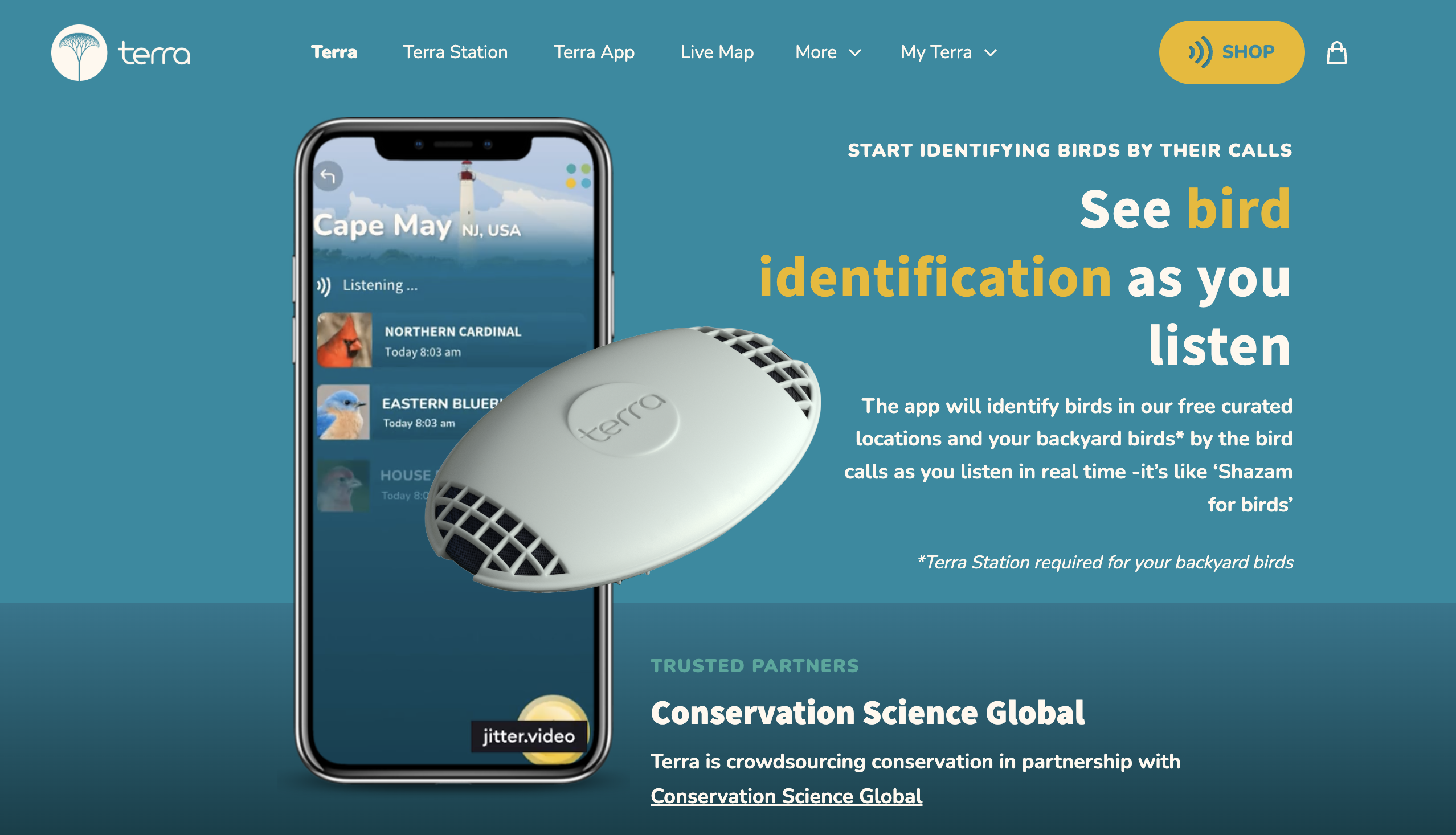
The animation tools are easy to use and quick to learn, but planning what you want to communicate, and making sure that is effective is the important part.
When creating web animations, your choice of tools significantly affects workflow, output quality, and efficiency. Here's a comparison of Jitter.video and the process of exporting animations from Figma to Lottie files:
| Feature | Jitter.ai | Figma to Lottie Files |
|---|---|---|
| Primary Purpose | Creating quick, customizable motion graphics and animations for social media, presentations, and websites. | Designing vector animations in Figma and exporting them to Lottie for lightweight web use. |
| Best Suited For |
- Fast, simple animations with templates. - Animations for branding, UI, or social media content. |
- Scalable and detailed vector animations. - Embedding lightweight animations directly into web projects. |
| Animation Style | Pre-made templates and keyframe-based animations. | Frame-by-frame vector animations and real-time interactivity for responsive web animations. |
| Interactivity | Limited interactivity—focuses on creating polished, standalone animations. | Fully interactive; can integrate animations triggered by scroll, hover, or clicks. |
| Output Formats | Video (MP4), GIF, or animated SVG. | JSON (Lottie format), which can be rendered directly in web and mobile apps. |
| Learning Curve | Easy to use with minimal setup, ideal for non-designers or rapid workflows. | Requires familiarity with both Figma’s design tools and integrating Lottie files into development projects. |
| Complexity of Effects | Moderate—best for clean, professional-looking motion graphics without requiring deep animation skills. | High—supports detailed vector animations with smooth transitions and responsiveness. |
| Integration | Exports to multiple formats for use in videos, presentations, or basic web animations. | Integrates with web and app development through Lottie, allowing responsive and lightweight animations. |
| Platform Support | Works entirely online with no additional setup or software installation required. | Relies on Figma for design and tools like Bodymovin or Lottie for rendering animations. |
| Example Uses |
- Social media animations - Website banners - Presentation visuals |
- Website and app micro-interactions - Animated icons - Onboarding animations in apps |
'Figma to Lottie' vs Adobe After Effects
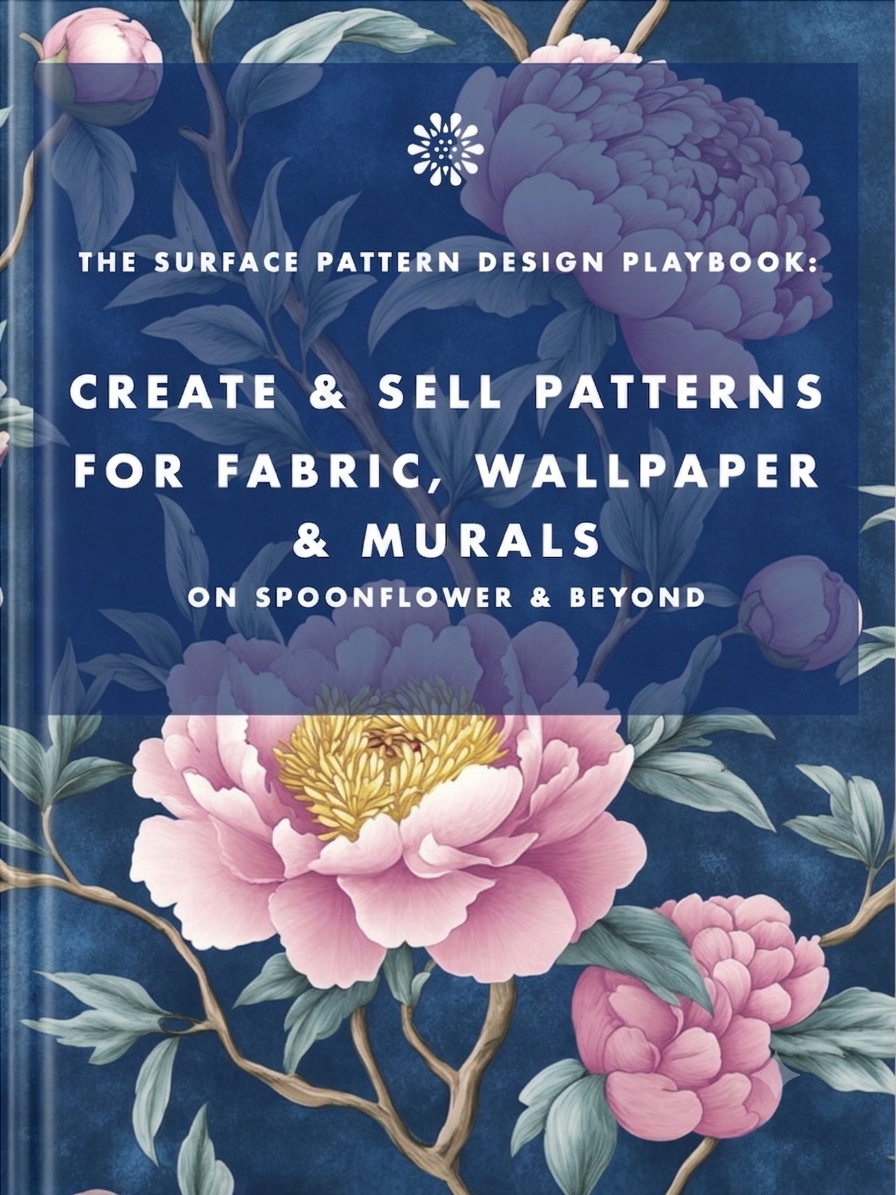
Earn from your design skills
Create & sell patterns for fabric, wallpaper & murals — on Spoonflower & beyond. Client-free, commute-free, creative work you can do from anywhere.
See the book →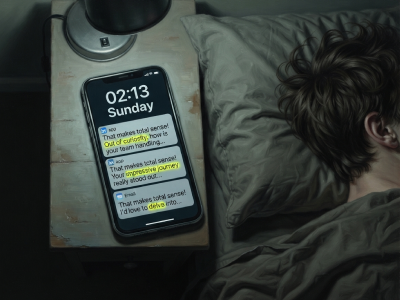
"That makes total sense! Out of curiosity…" are typical sentence snippets in your messages if you're talking to a bot.
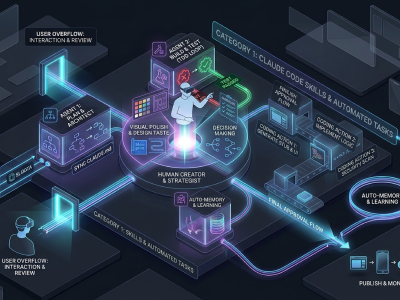
A real look at how I use Claude Code, Claude Cowork, Figma and more to design, build and market TickLists, my websites and my Spoonflower patterns, solo.

Job seekers who keep running the old employment playbook are playing a game whose rules have already changed. Here's what's happening in the design job market, and why leverage, not talent, is what separates who's finding traction.
Keep your design skills up to date with videos,
AI workflows, tutorials, ways to earn $$$ and free resources.
See past email newsletters.
Unsubscribe anytime.