
Short answer: upload your artwork to Spoonflower, set it for sale in the Marketplace, and earn a commission every time someone orders it on fabric, wallpaper or home decor. You design once; Spoonflower handles the printing, shipping and payments. Here's how to do it — and do it well.
In five steps:
Yes, if you treat it as a long-term catalogue rather than a quick win. Most designers earn small amounts at first, and the designers who do well list coordinating collections and keep adding to them, because each design can keep selling for years. My Spoonflower earnings guide has the realistic numbers.
Once uploaded, your design is available across Spoonflower's whole range — quilting and apparel fabrics, peel-and-stick and traditional wallpaper, plus home decor such as cushions, curtains, napkins and tea towels. One strong pattern can sell on dozens of different products without any extra work from you.
You need design software you can already use — Adobe Illustrator or Photoshop (or Affinity, or Procreate - and there are others). The skills that actually matter are making a seamless repeat and attractive designs with good contrast. You don't need to be a Spoonflower expert to start; you need to be a designer who can prepare files correctly.
Spoonflower pays you a commission on every item sold that features your design. Uploading and listing are free, and because it's print-on-demand there's no stock to hold, nothing to ship and no admin on your side. (Check Spoonflower's current commission rates, as the tiers change from time to time.) For realistic numbers, see how much you can make on Spoonflower, which covers the commission, what sells and how long your first sale usually takes.
Spoonflower pays a commission on each sale of your design, historically around 10% of the item price, with more possible through its seller programmes. Rates change, so check Spoonflower's current seller terms before you plan around a figure.

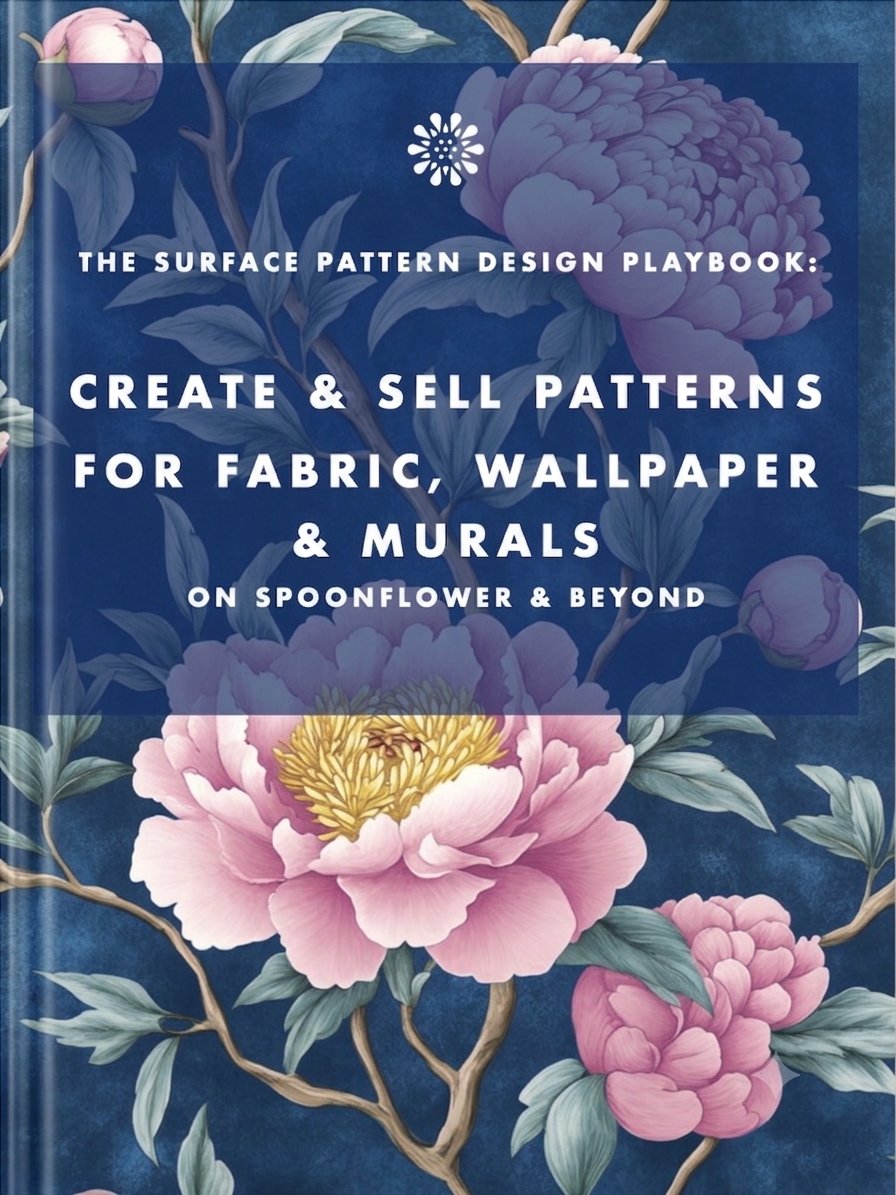
Want the full step-by-step — from seamless repeats and colour management to designing murals with AI-assisted workflows My Book, The Surface Pattern Design Playbook walks you through the whole process, written for designers who already know their tools. Save months of working out how to be a pattern designer, I've gone through that whole process and written up what you need to know so you can get up to speed in days!
Yes — uploading and listing your designs is free. You earn a commission only when an item sells.
It depends on how many designs you list and how well they match demand. It's passive income: each design can keep earning for years after you upload it.
No. Spoonflower prints, packs and ships every order and handles the payment. You just design and list.
It can be, as a long-term catalogue of coordinating collections. Most designers earn modest amounts at first, and sales build as your catalogue grows.
A commission on each sale, historically around 10% of the item price. Check Spoonflower's current seller terms because rates change.
A clean seamless repeat, on-trend themes, and coordinating collections rather than one-off prints.
You can also grab the Spoonflower book for the step-by-step upload and file set-up details, or see how freelance designers set their rates if you also take on client work.
Earn from your design skills
Create & sell patterns for fabric, wallpaper & murals — on Spoonflower & beyond. Client-free, commute-free, creative work you can do from anywhere.
See the book →
A plain-language guide for marketing teams on which AI images and videos need a label under the EU AI Act, what never to upload under GDPR, and how to stay on the right side of copyright.
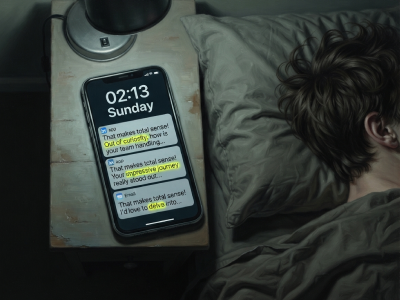
"That makes total sense! Out of curiosity…" are typical sentence snippets in your messages if you're talking to a bot.
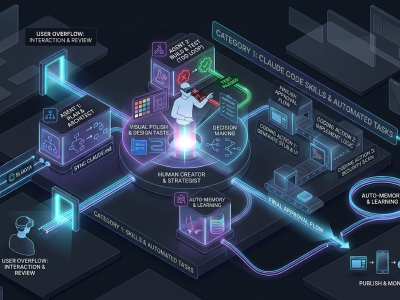
A real look at how I use Claude Code, Claude Cowork, Figma and more to design, build and market TickLists, my websites and my Spoonflower patterns, solo.
Keep your design skills up to date with videos,
AI workflows, tutorials, ways to earn $$$ and free resources.
See past email newsletters.
Unsubscribe anytime.