
Adobe Animate, Adobe After Effects, and Jitter for fast web animation are all powerful tools for animation and motion design, but they serve different purposes and excel in distinct areas. Here's a comparison:
| Feature | Adobe Animate | Adobe After Effects | Jitter |
|---|---|---|---|
| Primary Purpose | Creating 2D animations, interactive content, and lightweight animations for web and apps. | Compositing, motion graphics, and visual effects for video, film, and multimedia. | Fast, simple motion design for digital content, social media, and UI animations. |
| Best Suited For | Web animations (HTML5, SVG), interactive content like banners or games, and cartoon-style animations. | Advanced motion graphics, post-production for video and film, and visual effects like explosions, 3D motion, and particle effects. | Social media animations and marketing content, UI motion design and product demos, and quick brand animations without a steep learning curve. |
| Animation Style | Frame-by-frame 2D animation and tweening. | Layer-based animation, motion tracking, and complex compositions. | Simple motion design focused on speed and ease of use rather than technical depth. |
| Interactivity | Supports scripting (ActionScript, JavaScript) for interactive animations. | Supports complex scripting and expressions for animation automation, but output is static video, not interactive code. | No built-in interactivity, but Lottie exports can be made interactive (scroll, hover, click triggers) via player libraries in Webflow, apps, and web projects. |
| Output Formats | HTML5, SVG, GIFs, videos, and Lottie (via plugins). | Video formats (MP4, MOV), composited assets, and Lottie (via Bodymovin plugin) for app and UI use. | Lottie (one-click export), GIF, and MP4 — ideal for web and social media. |
| Learning Curve | Easier to learn for basic animations due to a timeline-based approach similar to older Flash workflows. | Steeper learning curve due to its vast feature set, especially for beginners. | Simplest of the three — browser-based with a fast, intuitive workflow requiring no installation. |
| Complexity of Effects | Limited to simpler effects (basic shapes, colours, and motion). | Handles highly complex effects like 3D camera movements, particles, and dynamic simulations. | Basic motion effects focused on speed rather than technical depth. |
| Integration | Integrates well with Adobe apps for interactive projects (e.g., Illustrator for vector art). | Works seamlessly with Premiere Pro and Photoshop for video and visual effects pipelines. | Figma-friendly — imports Figma designs directly for a fast design-to-animation workflow. |
| Platform Support | Desktop app (macOS/Windows) — creates lightweight content for web, mobile, and apps. | Desktop app (macOS/Windows) — requires high-end systems for video editing and compositing. | Browser-based SaaS — no installation required, works on any OS. |
| Graphics Type | Vector-based. | Raster/layer-based (also handles vectors). | Vector-based (Figma-friendly). |
| Example Uses | Animated banner ads, game character animations, educational apps, and storyboarding. | Kinetic typography, movie title sequences, special effects in videos, and motion tracking. | Social media posts, UI motion and product demos, marketing animations, and quick brand content. |
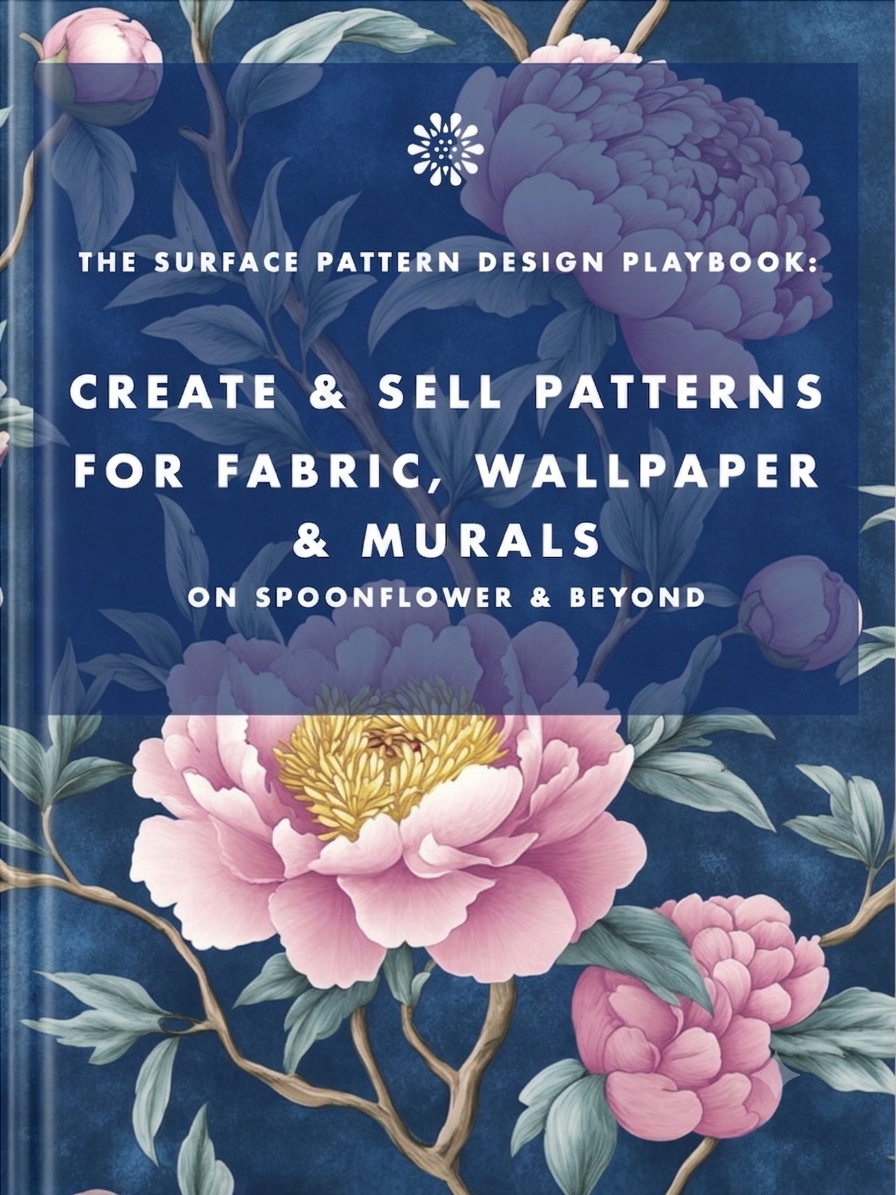
Earn from your design skills
Create & sell patterns for fabric, wallpaper & murals — on Spoonflower & beyond. Client-free, commute-free, creative work you can do from anywhere.
See the book →
Job seekers who keep running the old employment playbook are playing a game whose rules have already changed. Here's what's happening in the design job market, and why leverage, not talent, is what separates who's finding traction.
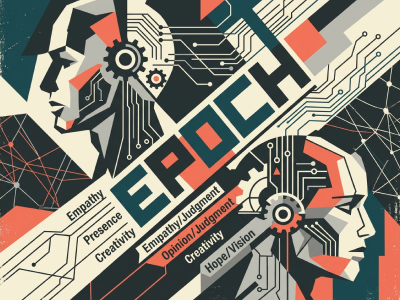
AI is replicating expertise faster than anyone expected. Here's the real research on what that means long-term — and the five human capabilities (EPOCH) that are becoming more valuable, not less, plus how to actually build and prove you have them.

Blue-sky thinking — starting from an unconstrained, root-cause view of the problem — is the step most UX process skips. Here's how to use it, with a real health-app example and a way to run it yourself.
Keep your design skills up to date with videos,
AI workflows, tutorials, ways to earn $$$ and free resources.
See past email newsletters.
Unsubscribe anytime.