
My portfolio lived on Webflow for four years. Every year it got a little more expensive, and a little more painful to change. When I finally rebuilt it, the whole thing — every page, remapped into a proper design system — took hours, not months - I guess it was about 20 hours, but it’s both my Artfuly.com teaching site, and my design portfolio under rachaelpage.com which is actually a sub-site of Artfuly because I share articles and projects across both when relevant.
Here’s the actual order I used, plus the one step I’d swap if I did it again.
Don’t rebuild from memory or screenshots — export the real HTML and CSS of every page first, so nothing gets quietly lost or rewritten wrong along the way. I used nocodeexport for this: point it at a Webflow page and it downloads a working export of that page’s actual markup and styling.
The free plan gives you 10 single-page exports a month, which is plenty if you’re working through a smaller site or doing this gradually. If you’ve got a bigger folio and want to get through it in one sitting, the paid subscription removes that cap — worth it just to save the wait between exports.
Static pages aren’t the whole site. If your portfolio projects or articles run on Webflow’s CMS — mine do, for both the case studies and the article pages — those collections need exporting separately from the page templates, before you move on.
Expect some field mapping rather than a straight copy-paste: Webflow’s CMS structure won’t line up one-to-one with wherever your content lands next (an Astro content collection, in my case), so you’re matching up fields like title, image, category and body content by hand.
“Some mapping is needed but it worked pretty seamlessly for me.”
Get this done before the design system step below — you want every piece of actual content, pages and CMS both, exported and in hand before Claude starts rebuilding anything.
This is the one step I’d reorder if I started again. I exported every page, rebuilt them, and only then generated the design system properly — one page, a left-hand menu, clear sections for logo, colour, type, buttons and components. It worked, but I ended up going back and adjusting pages once the system was actually written down.
Do it the other way round: use your exported pages as reference material, but document the design system first. Then every page you rebuild goes straight in against a system that’s already settled, instead of getting adjusted twice.
Once you’ve got the page exports, the CMS exports and the design system documented, feed the lot to Claude Code and tell it exactly what you’re doing: rebuild each page and CMS entry against this system, using the exports as the content and structure reference. It pulls the real copy, images and layout logic from what you exported, and applies the system’s actual values — colours, type, spacing, components — instead of guessing at them.
This is where the time actually gets saved. Four years of incremental Webflow changes, condensed into a rebuild that takes hours because the system and the source content are both sorted before Claude touches a single page.
The rebuild is only one benefit — another great bonus is what happens next. My old site meant weeks in Webflow’s editor to add anything substantial. The new one means describing a page to Claude Code and pointing it at the system. Adding the surface pattern design case study took an afternoon. On the old site, a page like that would have taken the best part of a month.
Export first if you need the source material — pages and CMS collections both — but document the design system before you rebuild a single page, not after. Everything else about this process held up exactly as it should.
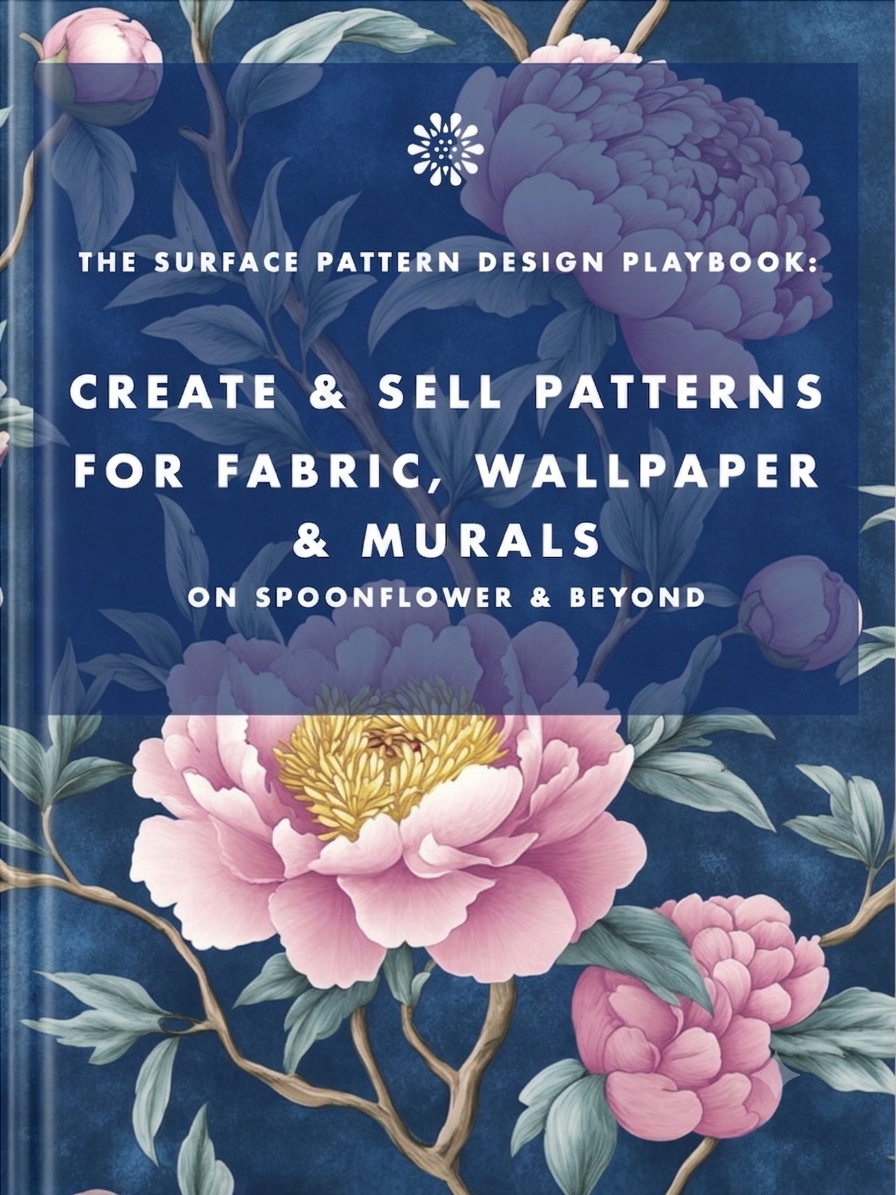
Earn from your design skills
Create & sell patterns for fabric, wallpaper & murals — on Spoonflower & beyond. Client-free, commute-free, creative work you can do from anywhere.
See the book →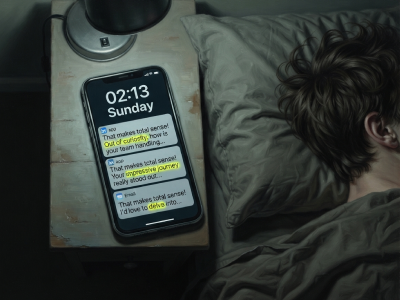
"That makes total sense! Out of curiosity…" are typical sentence snippets in your messages if you're talking to a bot.

A real look at how I use Claude Code, Claude Cowork, Figma and more to design, build and market TickLists, my websites and my Spoonflower patterns, solo.

Job seekers who keep running the old employment playbook are playing a game whose rules have already changed. Here's what's happening in the design job market, and why leverage, not talent, is what separates who's finding traction.
Keep your design skills up to date with videos,
AI workflows, tutorials, ways to earn $$$ and free resources.
See past email newsletters.
Unsubscribe anytime.