What will you be able to do after the course?
You'll be able to make your own AI images and videos that look designed rather than random, without spending hours trying tools that don't suit the job. Specifically, you'll be able to:
- Choose the right AI tool for each job, from quick social images to posters you can print
- Write prompts that give you designed-looking results, using style words and ChatGPT to help you
- Turn AI images into finished posters, social posts and illustrations with your own logo and text
- Edit and extend photos just by describing the change you want
- Create short AI videos, from a drone shot of a venue to a realistic presenter with speech
- Know what's safe to upload and what needs an AI label, so you can publish with confidence
What's in the course?
Ten short, practical videos in three parts, each one showing a real piece of work being made from start to finish.
Creating great images
- 1
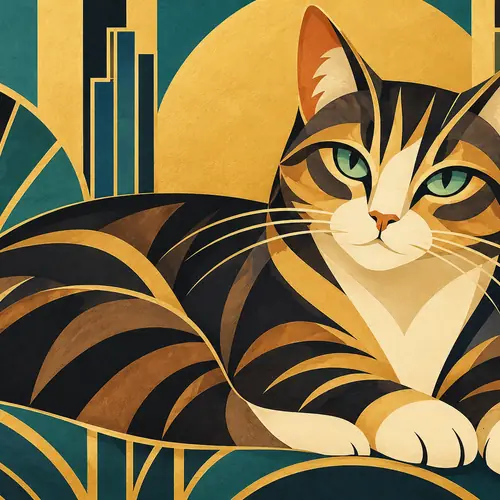
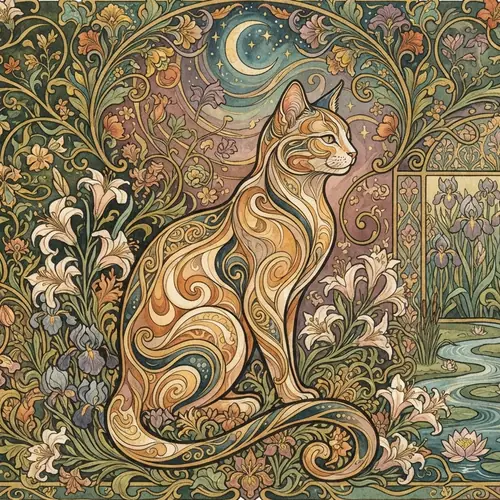
How style words shape your AI images 3:40
The same idea in different art styles, and how to choose a style on purpose so your images look designed rather than random.
- 2
Let ChatGPT write your image prompts 2:17
Ask for three different directions in one go, then take the best one into Midjourney.
- 3
Event photos and illustrations in Midjourney 4:13
Find a look in Explore, make a realistic event photo and a Bauhaus illustration, and post it to LinkedIn.
Turning images into finished designs
- 4
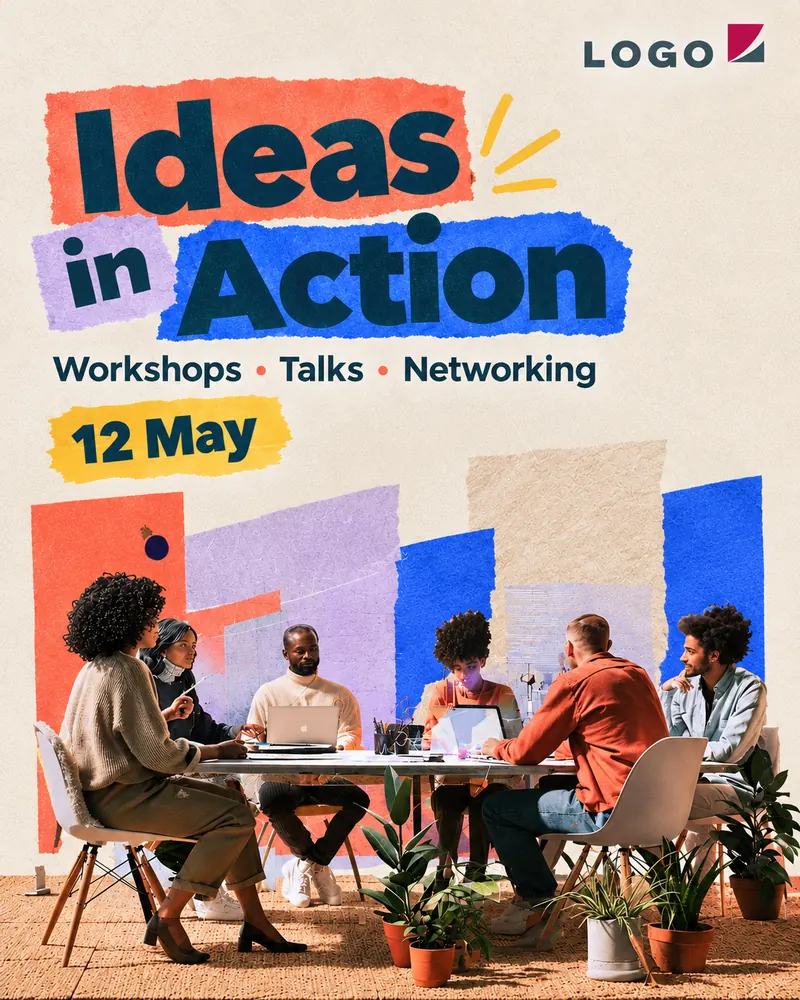
Make an event poster with your logo in ChatGPT 1:37
Turn an illustration into a finished poster with a title, date and logo, then move things around like you would with a designer.
- 5
Edit photos just by describing the change 2:39
Remove a logo from a venue photo and turn the whole space into an evening gala with one sentence.
- 6
Extend and fix photos in Photoshop 1:42
Generative Expand to change the format of a photo, and Generative Fill to remove anything in the way.
- 7
Create vector illustrations in Illustrator 2:28
Generate Vectors gives you editable artwork you can recolour and scale to any size.
AI video
- 8
A realistic AI presenter video with Veo 3:13
Write the prompt step by step for the camera, the light and the voice, and see why this kind of video needs an AI label.
- 9
A drone shot of a venue in Adobe Firefly 2:42
A cinematic drone shot of a conference centre, made safely inside the Adobe tools.
- 10
A stage lights reveal with Seedance 3:36
A dramatic stage video for ideas and pitches only, never with company data.
Which AI tools does the course cover?
The course covers ChatGPT, Gemini, Midjourney, Adobe Photoshop, Illustrator and Firefly, Google Veo, Runway and Seedance. You don't need all of them, because each video shows what that tool is best at, and you can start with the free versions of ChatGPT and Gemini.
Who is this course for?
It's for freelancers, creators and small business owners who make their own social posts, flyers, presentations and short videos, and want them to look professional. You don't need any design or AI experience, and if you'd like the safety side in more detail, my free guide to AI images, the EU AI Act, GDPR and copyright goes with it well.
Who's teaching it?
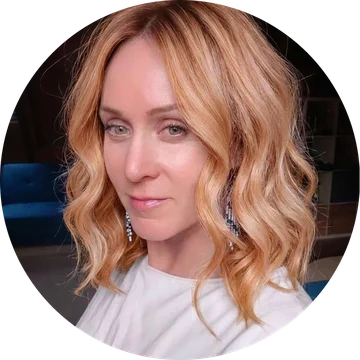
I'm Rachael Page, a designer with 20+ years in graphic, UX and product design for tech companies, start-ups and agencies. I use AI every day for images, design and coding, and I teach teams how to use it well, so this course is the practical, designer's-eye version of what I show them. You can see my work at rachaelpage.com.
Questions
How long is the course?
Ten short videos, about 28 minutes in total. You can watch them in one go or one at a time whenever you need a particular tool, and you keep access to them.
Do I need design or AI experience?
No. The course starts with how to describe what you want and builds up step by step, so it suits freelancers, creators and small business owners who make their own images and videos.
Which AI tools do I need to pay for?
You can start with the free versions of ChatGPT and Gemini. Midjourney, Adobe Photoshop, Illustrator and Firefly, and Runway are paid tools, and the course shows what each one is best at so you only pay for the ones you need.
Is it safe to use these AI tools for work?
The course shows which tools are safe for company data, what you should never upload and which images and videos need an AI label under the EU AI Act. There's also a free guide to the EU AI Act, GDPR and copyright for AI images.
When does the course open and what does it cost?
It opens soon. People on the waitlist get the launch price of €32.77 + VAT (€39 including VAT), and after that it's €49.58 + VAT (€59 including VAT).
Can my team use the course?
The course is for one person. For a whole team I run a live, tailored AI images and video workshop with your own examples and a safe-tools check for your company.