Your team is probably already using AI for images and video, but with free accounts, mixed results and no idea which tools are safe for company data.
In this workshop I show your team how to make professional AI images and short videos for social posts, flyers, presentations and print, using the tools that suit your budget and are safe to use at work. It's practical and hands-on, drawing on my 20+ years as a designer, so it's about making good work and not just writing clever prompts.
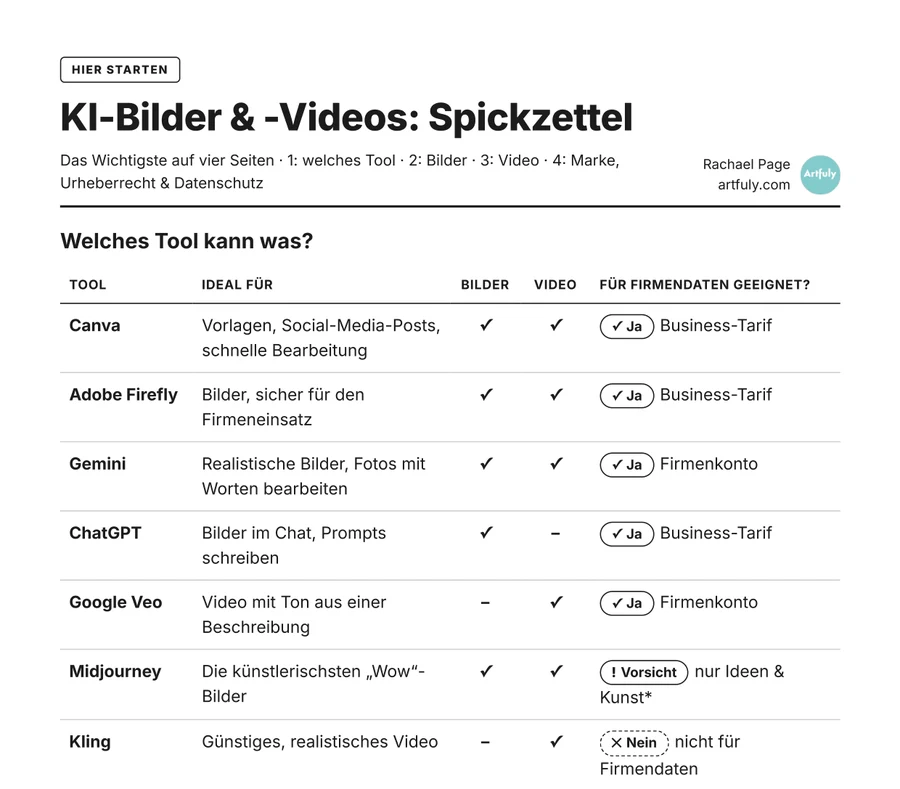
It's run live online in English, and everyone gets my AI images & video cheat sheet with the prompt recipes, tool prices and GDPR notes on a few pages they can keep by their desk.
Canva, Adobe Firefly, Photoshop, Gemini, ChatGPT, Midjourney, Runway and Google Veo, what each one is good at, what it costs and which plan your team actually needs.
A simple prompt recipe your whole team can use, how to get AI to write prompts for you, and how to change the style while keeping the idea.
Uploading your style guide or design system into the tools, plus product reference images, so AI images look like your organisation, your products stay accurate and characters look the same from post to post.
Why AI images are too small for print, how to upscale them properly, and the checks to make before anything goes to the printer.
Turning a description or an image into a short clip with sound, the camera words that work, and adding text, music and voiceover afterwards.
Which tools are safe for company data and which aren't, how to label AI content, and the rules for real people's faces and voices.
Created in a workshop for a German events company.
Venue drone shot · Adobe Firefly
Stage teaser · Seedance 2.5
Host welcome video with speech · Google Veo 3.1
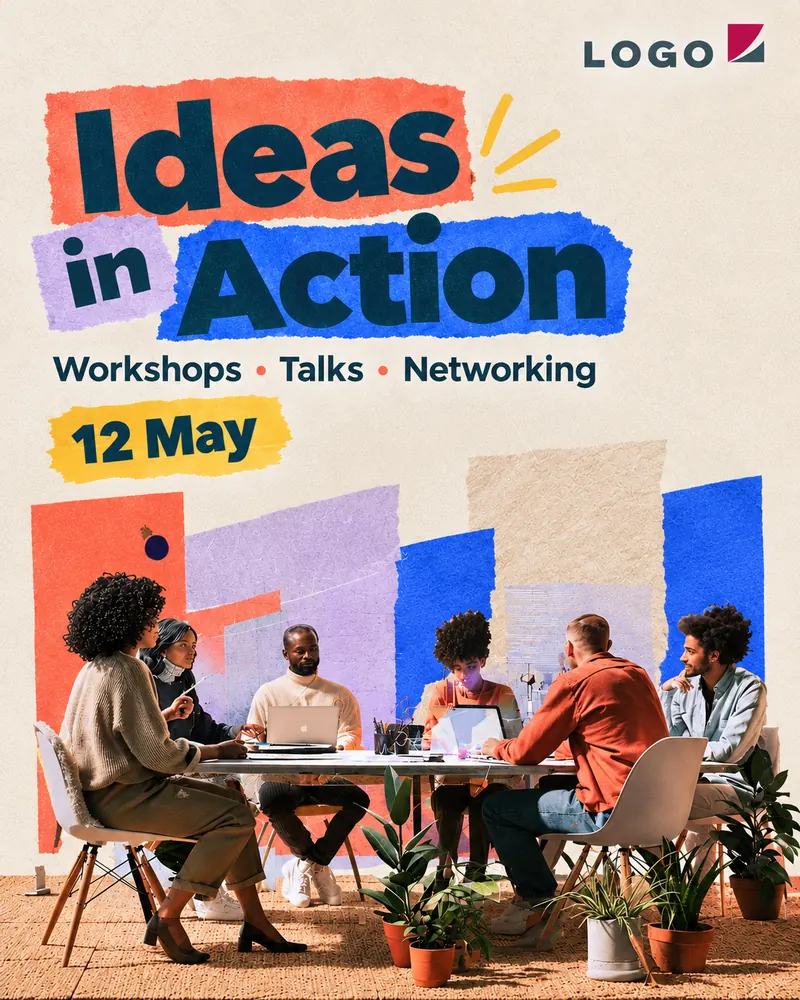 AI-generated
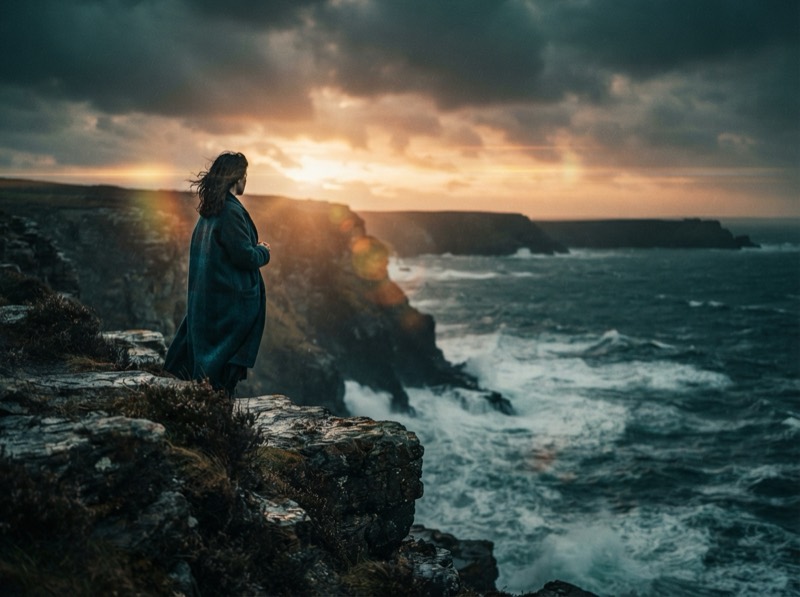
 Event poster · Midjourney + ChatGPT
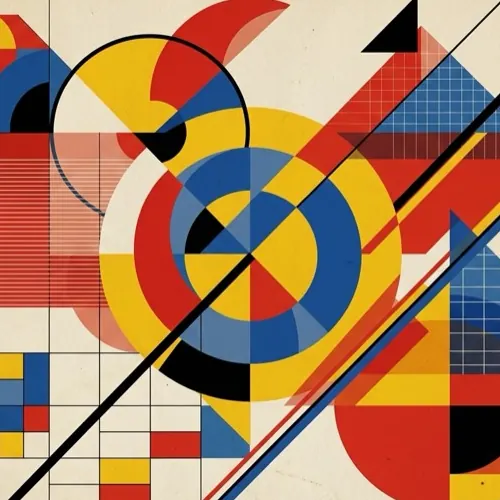
LinkedIn post, Bauhaus style · Midjourney
LinkedIn post, flat geometric · Midjourney
LinkedIn post, constructivist · Midjourney
Made pro bono for Transform A Street Dog, as a real example of what AI video can do for a small team.
This 46 second vertical video helps a Ukrainian dog rescue raise money to get 12 dogs to foster homes across Europe.
About 9 hours in total, using Adobe Firefly (Kling 3.0 and Veo 3.1), Runway, Photoshop, Midjourney, Gemini and Claude Code.
Read the full case studyThe style words in a prompt decide most of how an AI image looks, far more than people expect.
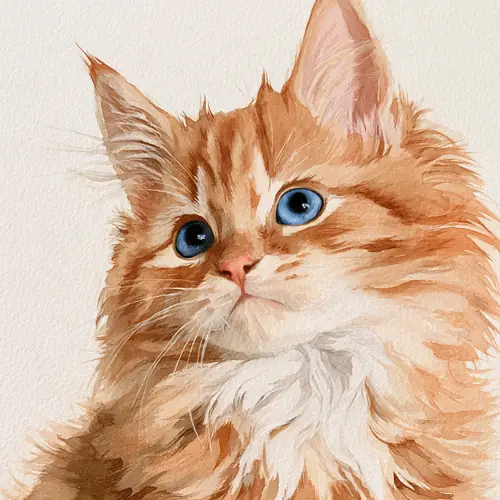
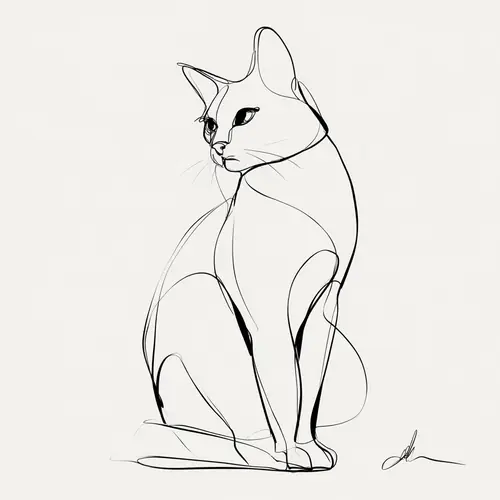
All eight of these images are simply 'a cat', and it's the style word, from 'Art Deco' to 'watercolour' or 'pop art', that makes each one look completely different. Picking a style on purpose like this is the quickest way to stop AI images looking generic and start making them look designed and on brand.
The trouble is that most of us only know a handful of style names, so I built a free tool with 174 art styles grouped by movement, each with an example image, a short description and a copy button, so your team can drop the exact words straight into Midjourney, Firefly, Gemini, ChatGPT or Canva.
Try the free Art Styles tool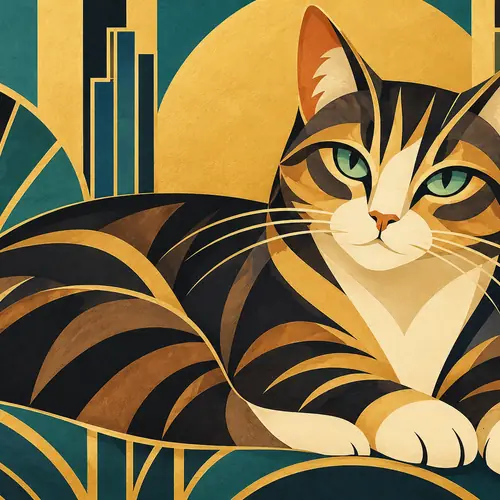 Art Deco
 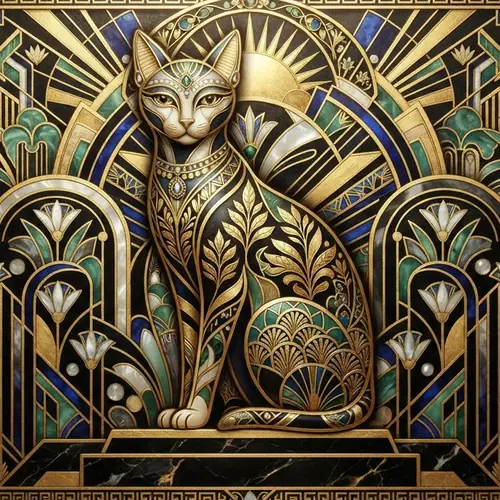 Art Deco
 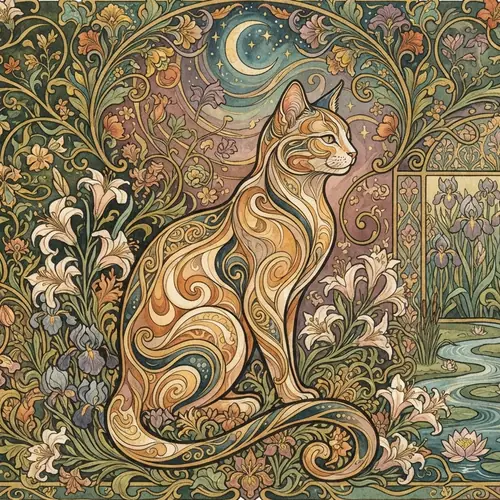 Art Nouveau
 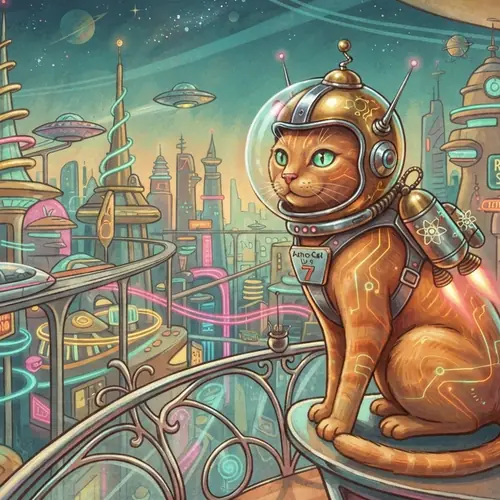 Retrofuturism
 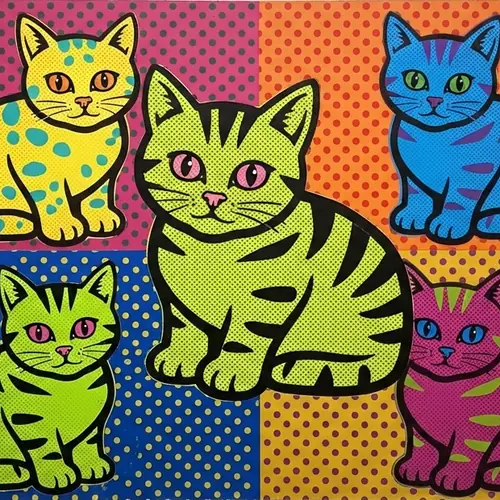 Pop Art
 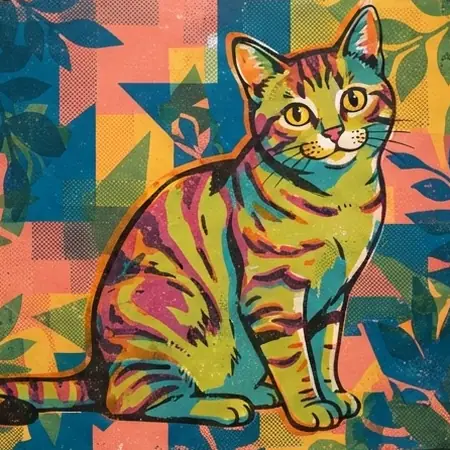 Screen Print
  Watercolour
  Continuous Line Art
 One of the quickest wins I teach is getting ChatGPT or Gemini to write your image prompts for you, because a good prompt follows a recipe (subject, style, light and mood, colours, format) and AI is very good at filling it in. Here's how the poster for the events company came together.
Write three Midjourney prompts for a LinkedIn post announcing Ideas in Action, a creative meetup. Friendly, modern, not stock photo. Use this recipe: subject, style, light & mood, colours, format.
Ideas in Action event, diverse professionals connecting around a futuristic collaborative table with subtle digital interfaces, editorial illustration meets contemporary 3D design, soft natural light with an optimistic energetic mood, warm coral, electric blue, cream and charcoal, clean LinkedIn-friendly composition with generous negative space, modern event branding aesthetic --ar 16:9Ideas in Action event, abstract flowing network of people, ideas and workplace objects transforming into one interconnected ecosystem, premium editorial art direction with geometric forms and subtle surrealism, glowing ambient light … --ar 16:9Ideas in Action event, small group of creative professionals building an imaginary hybrid workplace from modular shapes, playful contemporary collage with paper textures, subtle 3D elements and hand-drawn details, bright diffused daylight with a curious welcoming mood, mint green, sunny yellow, cobalt, peach and deep navy, dynamic wide composition with clear visual hierarchy and negative space for event details, distinctive non-stock LinkedIn graphic --ar 16:9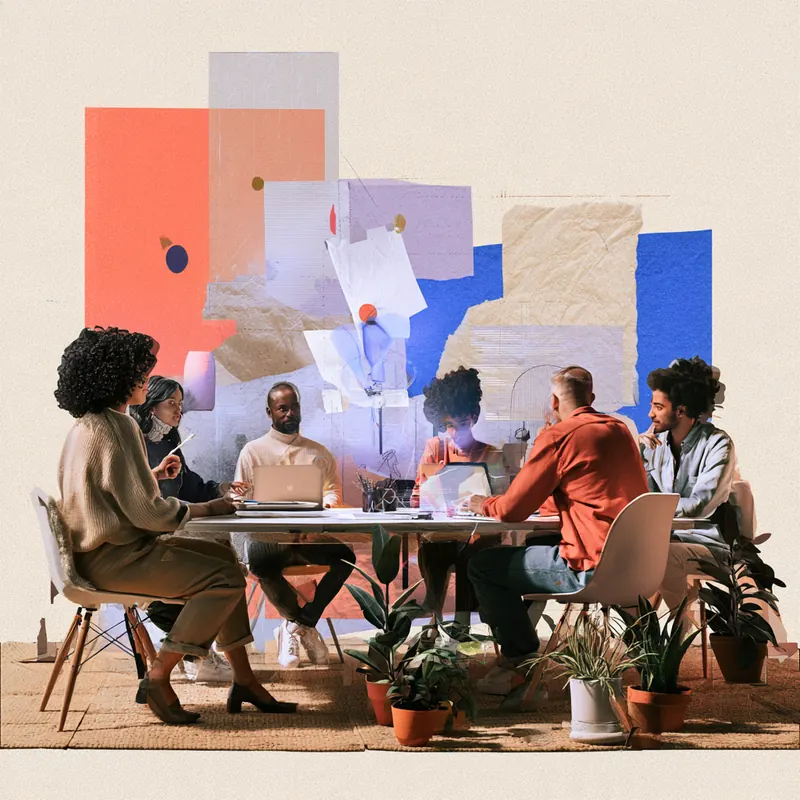
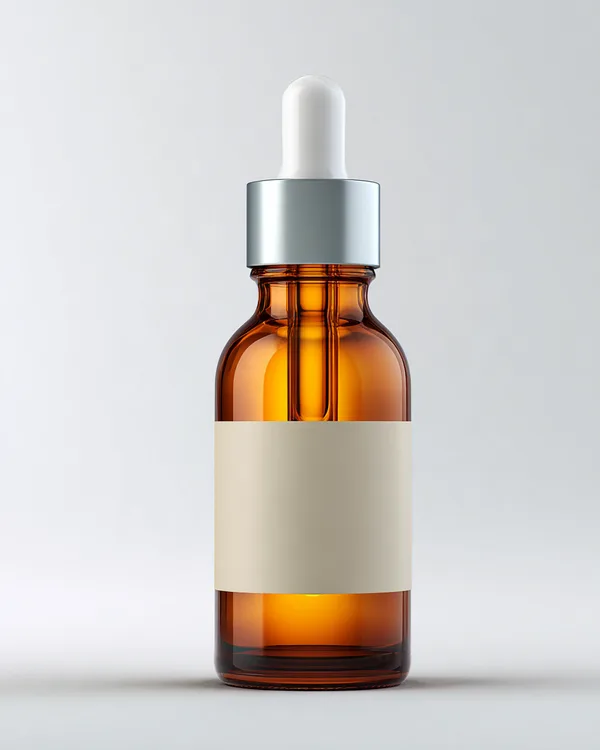
Put your real product into any scene without AI changing its shape, colour or logo.
 Product shot
  Placed in a new scene
 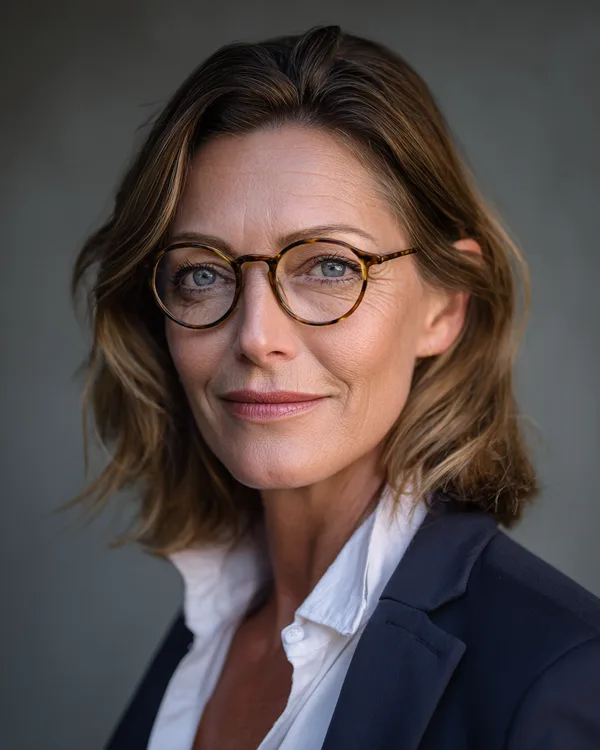 Character
  Same character, new scene
 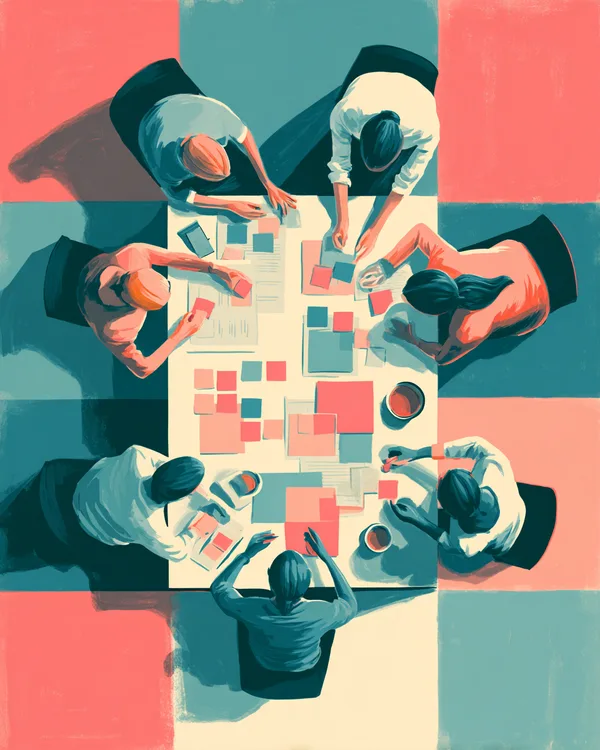 Brand style
 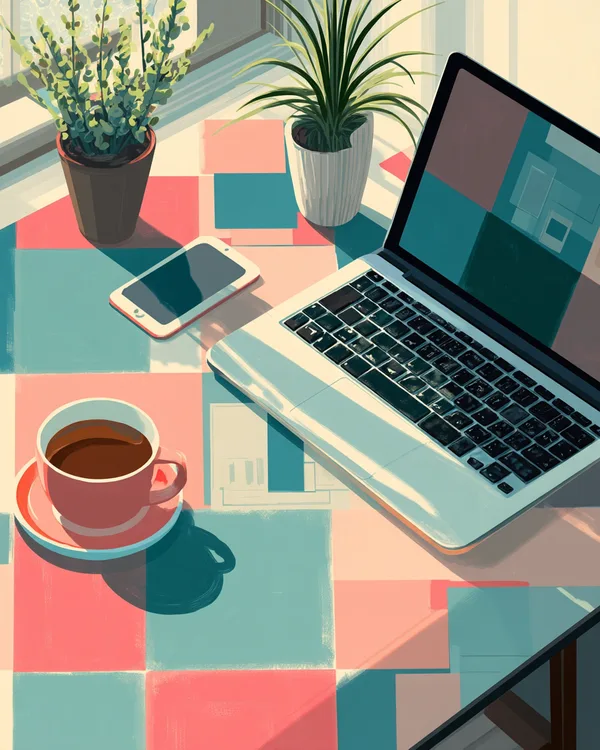 Same style, new subject
 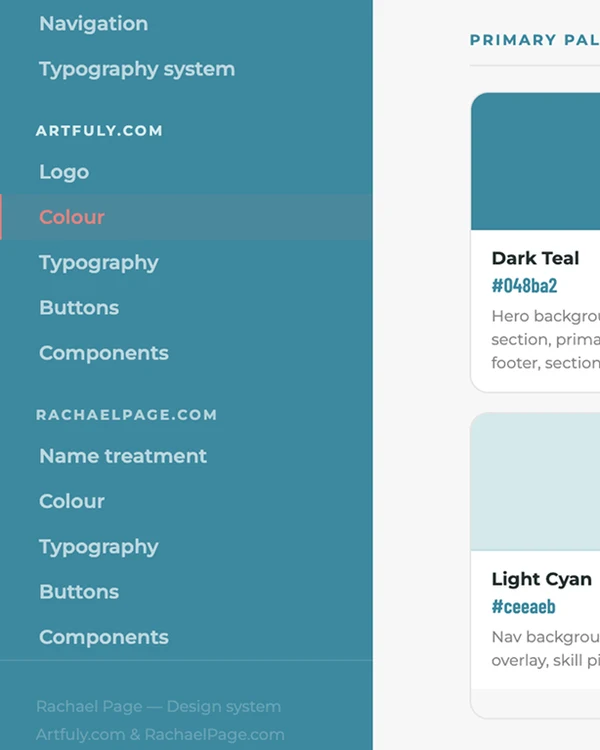 Your design system
 What your team can use, upload and publish, explained in plain language.
Which tools have a data processing agreement, keep data in the EU and don't train on your uploads.
Customer photos, staff faces, personal data and unreleased products, with a simple checklist for your team.
Getting consent from real people and labelling AI content under the EU AI Act.
When it's OK to use an artist's work or style in a prompt and when it isn't, so your team avoids IP issues.
Not legal advice, just practical know-how, all summarised in the team cheat sheet.
One to two hours for a whole team or department, with time for questions at the end.
Up to four hours where your team makes images and clips for their own real projects, with me helping each person as they go.
Built around your own projects, your brand and the tools your team already pays for, and it can be split into a series of shorter sessions.
All sessions are live online, in English, for any team size, and every workshop includes:
Workshops start at €2,000 + VAT, and every session is tailored, so I'll send you a fixed quote once I know your team size, the format and what you'd like to make.
20+ years in design
With AI, everyone gets to be the art director.
See my portfolioRachael provided some excellent insights into the topic of AI-generated images and videos.
She gave me and my colleagues a very vivid and educational introduction to various tools and their respective uses.
We all came away from this session feeling very inspired and motivated to explore more on our own!
Which tool does what, which ones are safe for company data, and simple prompt recipes for images and video, on four pages your team can keep by their desk.
Get the cheat sheet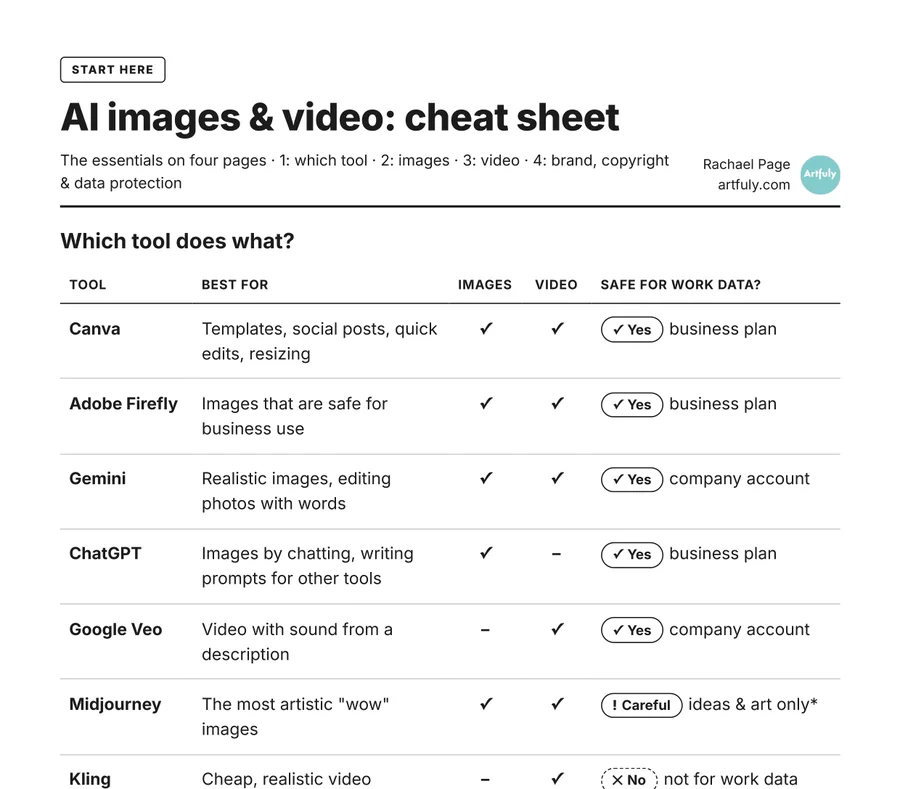
Tools used on a business plan or company account with a data processing agreement, such as Adobe Firefly, Canva, Gemini on a company account and ChatGPT Business, are generally fine for work. Free and personal plans need more care, Midjourney is best kept to general creative images because images are stored in the USA and are public on its cheaper plans, and I don't recommend tools like Kling for work data, because it's run by a Chinese company and how it handles your data is much harder to check.
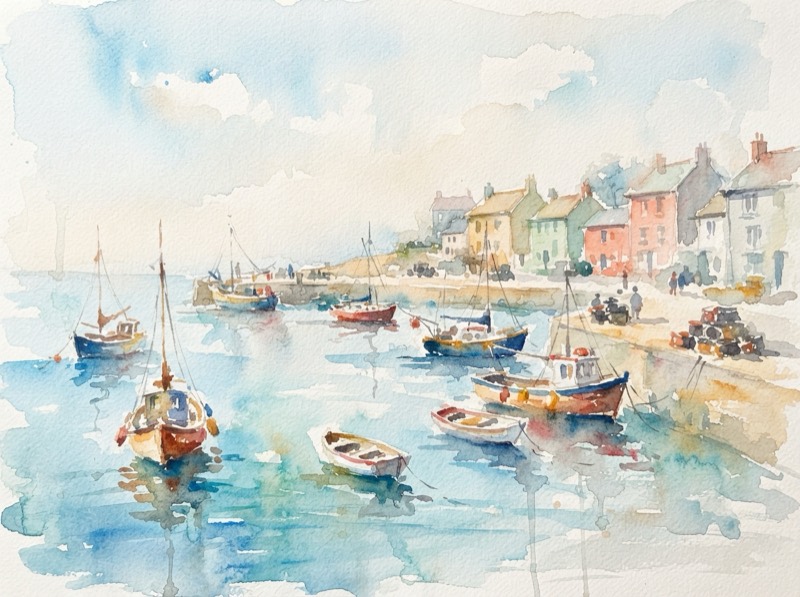
The style words decide most of how an AI image looks. The same subject described as 'risograph', 'watercolour' or 'Art Deco' gives three completely different images, so choosing a style deliberately is the quickest way to get results that look designed and fit your brand.
Not straight out of the tool. Most AI images are only 1 to 2 megapixels, while an A4 print at 300 dpi needs about 8.7 megapixels, so they need upscaling first, for example with the Canva upscaler up to A3 or Photoshop Generative Upscale for larger posters.
It can get very close if you use a good photo of your product as a reference image in tools like Midjourney, Adobe Firefly or Gemini, which lets you place the same product into lots of different scenes. AI still tends to change small details like logos, labels and text, so I show teams how to check for this and fix it with Generative Fill before anything is published.
An art style on its own generally isn't protected by copyright, but an artist's actual artworks are, so uploading their work as a reference or closely copying it is where the risk lies. Naming living artists in prompts can also reflect badly on your brand even when it's legal, so I show teams how to describe a look with art movements and techniques instead, which is what the free Art Styles tool is for.
It mainly affects what you upload. Personal data such as customer photos, staff faces and names should only go into tools your company has a data processing agreement with, ideally storing data in the EU, and never into free or personal accounts. Using someone's face or voice also needs their consent.
Yes, I recommend labelling AI images and videos, for example 'Created with AI', in print as well as online. It matters most for video and realistic images, because they can easily be mistaken for real footage.
No. The workshop starts from which tool to use and builds up step by step, so it suits marketing teams, non-profits and small businesses whose staff create their own posts, flyers and presentations.
Workshops start at €2,000 + VAT. Each one is tailored to the team size, format and goals, and comes with a fixed quote, slides, a cheat sheet for everyone, a follow-up Q&A and a recording of the session for internal use.
The workshop is run in English. Afterwards you can have a video of the whole workshop in any language your team needs, with cheat sheets to match.
Online, for any team size, and a session can run anywhere from one to four hours, or be split into a series of shorter sessions.
Send me a quick message with your team size and what you'd like to get out of it, or book a call, and I'll come back to you with some dates and a quote.
Sie suchen eine Inhouse-Schulung zu KI für Ihr Marketing- oder Kommunikationsteam? In diesem KI-Workshop lernt Ihr Team, professionelle KI-Bilder und kurze KI-Videos für Social Media, Flyer, Präsentationen und den Druck zu erstellen, mit Tools wie Canva, Adobe Firefly, ChatGPT, Gemini, Midjourney und Google Veo.
Ein Schwerpunkt der KI-Schulung ist der DSGVO-konforme Einsatz: welche Tools einen Auftragsverarbeitungsvertrag (AVV) anbieten, was nicht hochgeladen werden sollte, das Recht am eigenen Bild, die Kennzeichnung von KI-Inhalten („KI-generiert“) nach dem EU AI Act und das Urheberrecht bei Kunststilen und Künstlern.
Die KI-Weiterbildung findet live online und auf Englisch statt, für Teams jeder Größe. Auf Wunsch erhalten Sie danach ein Video des gesamten Workshops in jeder gewünschten Sprache, auch auf Deutsch, mit passenden Cheat Sheets. Ab 2.000 € zzgl. MwSt.
Welches Tool kann was, welche Tools für Firmendaten geeignet sind und einfache Prompt-Rezepte für Bilder und Videos, auf vier Seiten zum Ausdrucken, auf Deutsch.
Spickzettel herunterladen