I built this after my partner did an inland sailing course in German and I did a windsurfing course in English, and we both found the same gap: what the course covered wasn't quite what the exam actually asked.
Feed in a real exam's question bank once, and every question is tracked individually from there. Nothing generic, nothing you have to assemble yourself first.
The app runs a Leitner spaced-repetition system: get a question right and it moves further out before it resurfaces, get it wrong and it comes straight back for another attempt. Time goes toward the questions you actually don't know yet, not the ones you've already mastered.
Started with a single 300-question German sailing licence exam. A second course, an international windsurfing licence, is already live on the same platform, each tracked completely independently.
Spaced Revision Tool is a Progressive Web App, install it from your browser on any device, no app store needed. Free to use while it's in early access.
Keep your design skills up to date with videos,
AI workflows, tutorials, ways to earn $$$ and free resources.
See past email newsletters.
Unsubscribe anytime.
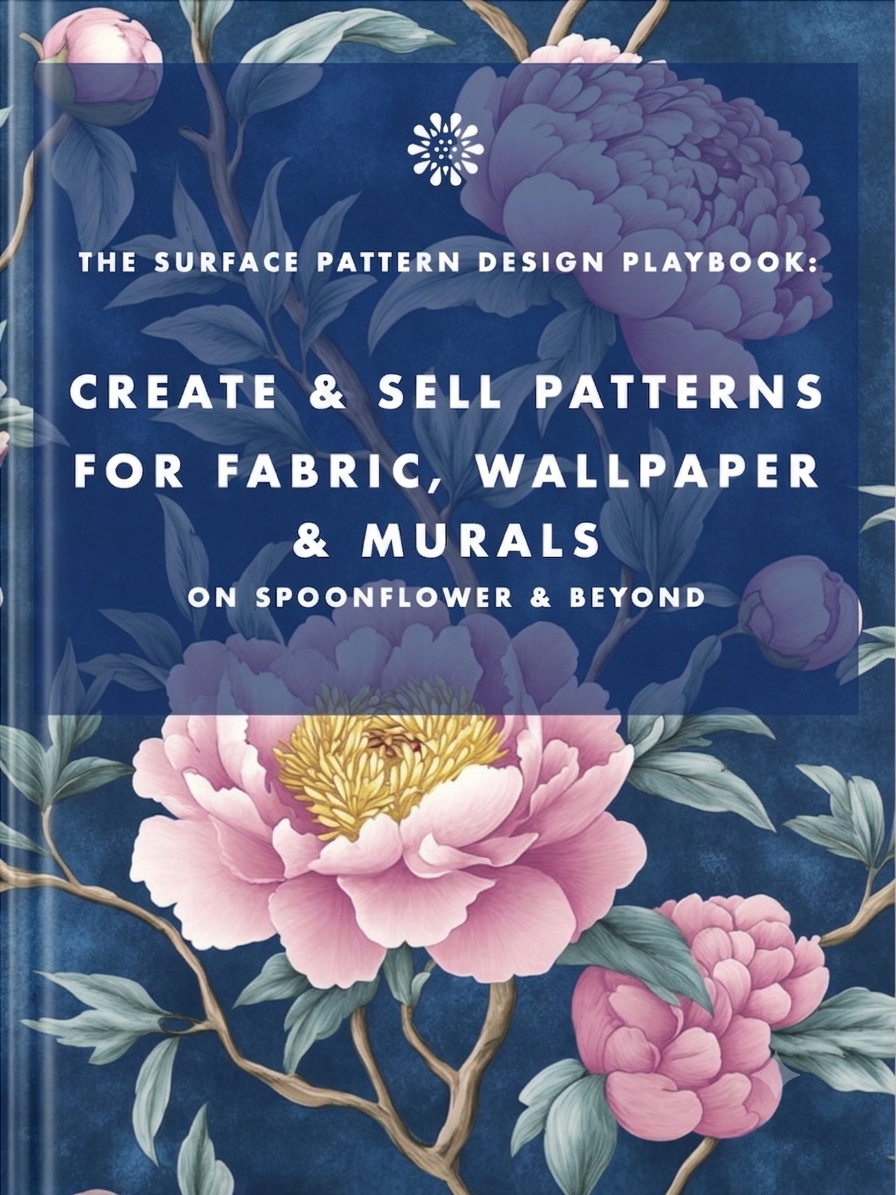
Earn from your design skills
Create & sell patterns for fabric, wallpaper & murals — on Spoonflower & beyond. Client-free, commute-free, creative work you can do from anywhere.
See the book →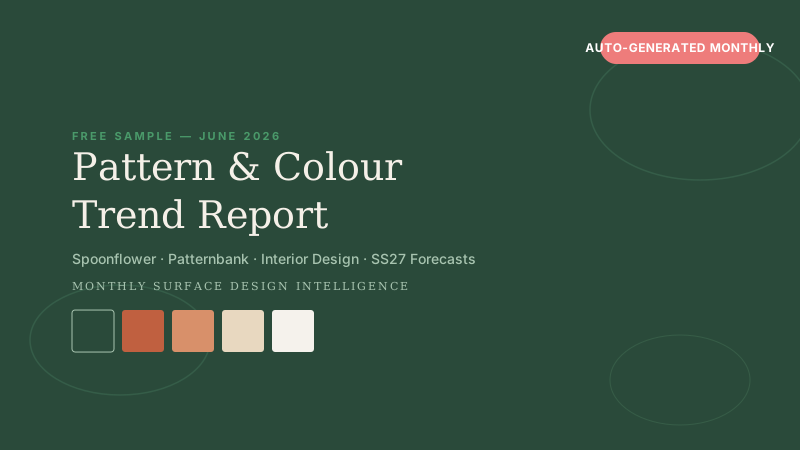
AI-generated monthly trend intelligence for Spoonflower designers.
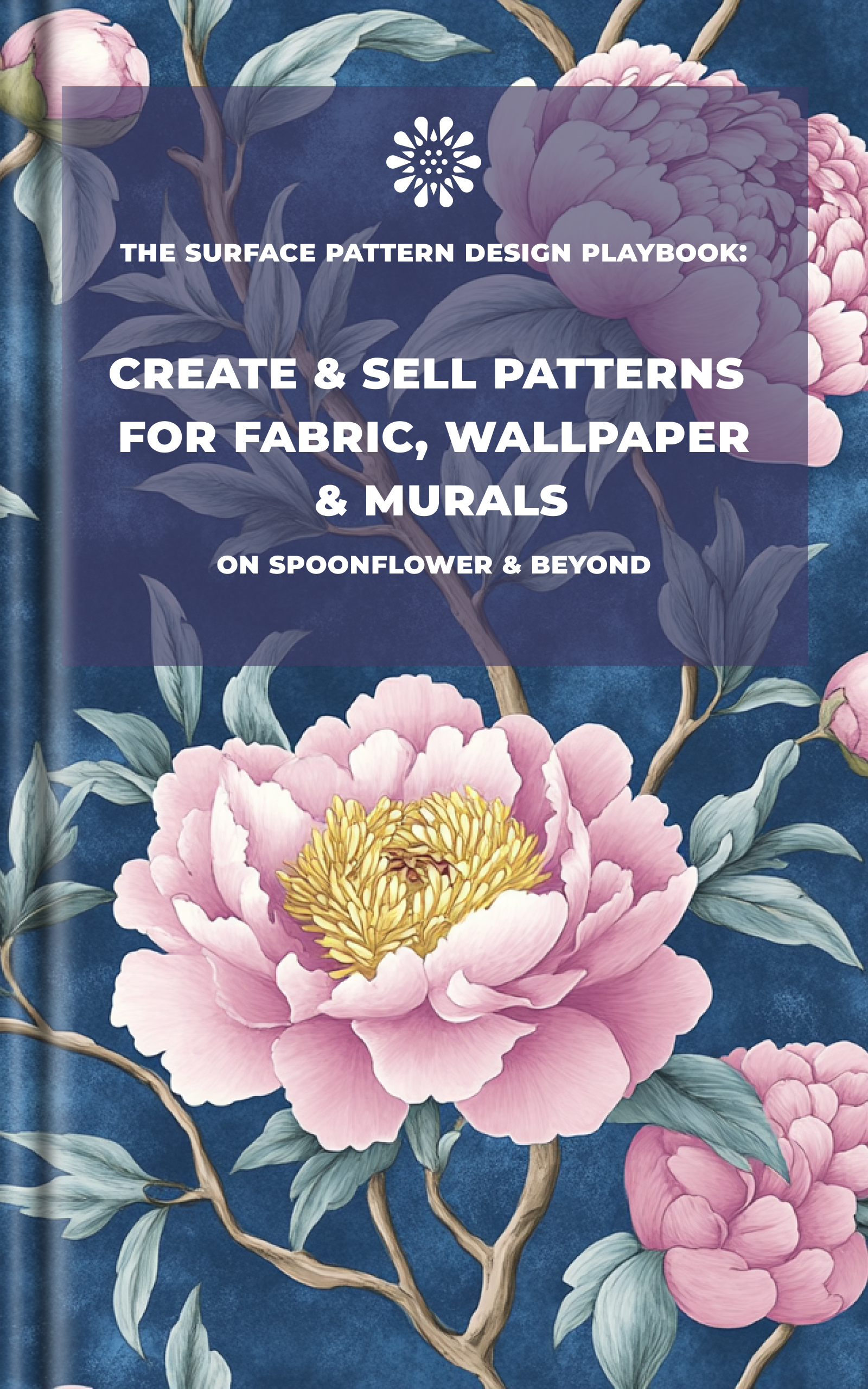
Turn your flat ebook cover into a professional 3D book mockup — free, instant.

174 art styles grouped by movement — copy style names for Midjourney, DALL·E, Firefly.
Keep your design skills up to date with videos,
AI workflows, tutorials, ways to earn $$$ and free resources.
See past email newsletters.
Unsubscribe anytime.